v0.6.0
Draggable Pill & Flow Defaults
You can now move the Flowrite pill anywhere on your screen, and set instructions that apply to every recording by default.
Features
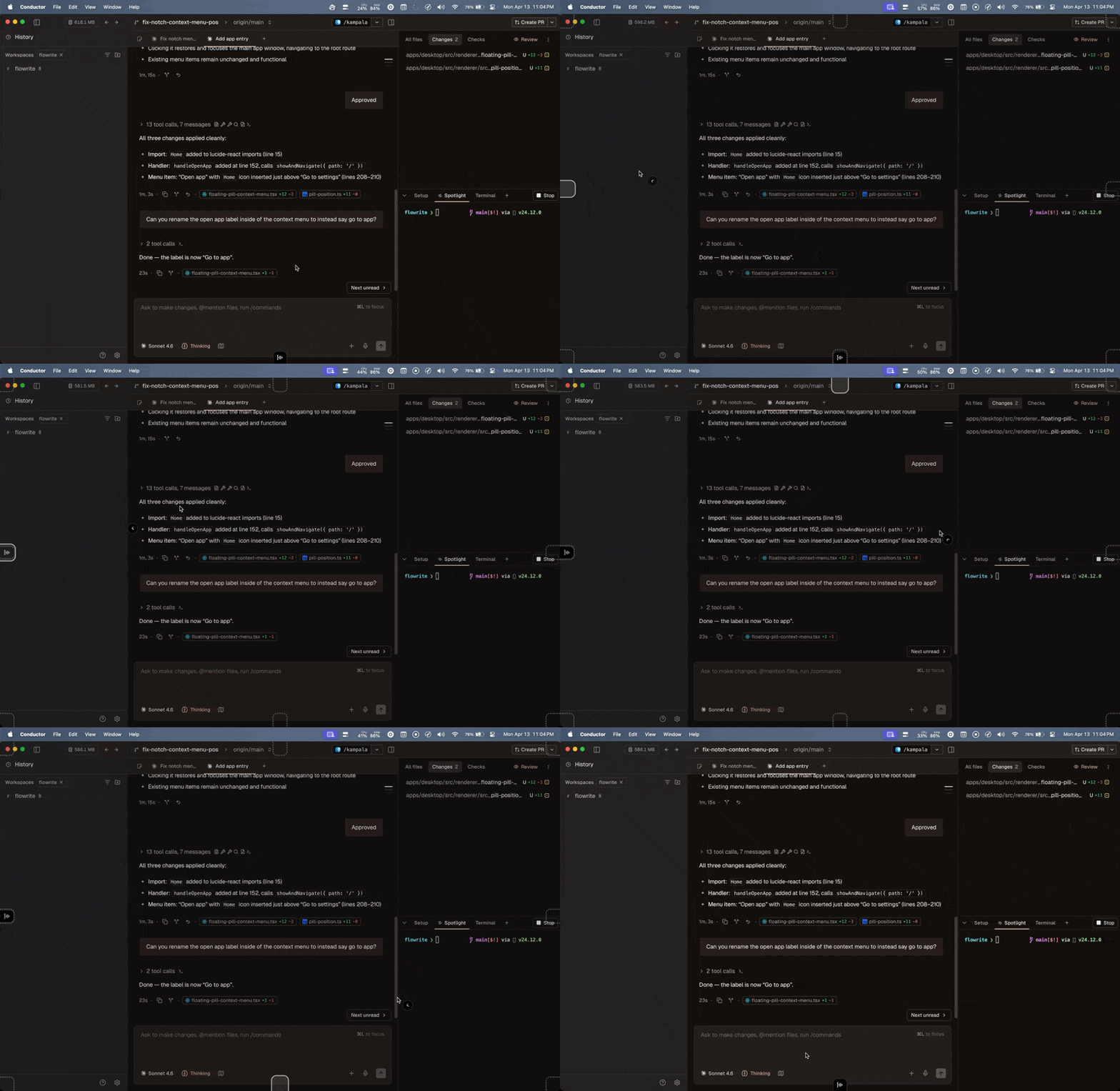
- Drag the pill anywhere — The floating pill is now a draggable banner; drop it anywhere and it snaps to the nearest screen edge
- Global Instructions flow — A new "Global Instructions" entry appears at the top of your flows list. Instructions you add there apply to every recording when no app- or website-specific flow matches — previously there was no way to set a personal default
- Dynamic variables in snippets — Snippet content can now include
{{variables}}that expand dynamically when triggered
Improvements
- Go to app from the pill — The pill's context menu now includes a "Go to app" entry to open the Flowrite home screen instantly
- Contact Support — You can now reach support directly from within the app
- Better transcription quality — Reduced English language overfitting so non-English speech is handled more accurately
Bug Fixes
- Fixed: Cancel shortcut ignores modifier keys — Keyboard shortcuts with modifier keys (e.g.
⌘.) now correctly cancel recordings - Fixed: Audio-not-supported error loop — Resolved a loop where unsupported audio formats triggered repeated errors
- Fixed: Billing edge cases during streaming — Corrected edge cases that could cause billing discrepancies during streamed responses